
Gifts
A gift is a redeem code that gives the player store credit or a product, without paying. It works for giveaways, event rewards, streams, partnerships and to make up for a problem on the server.
Everything is in Store > Gifts.
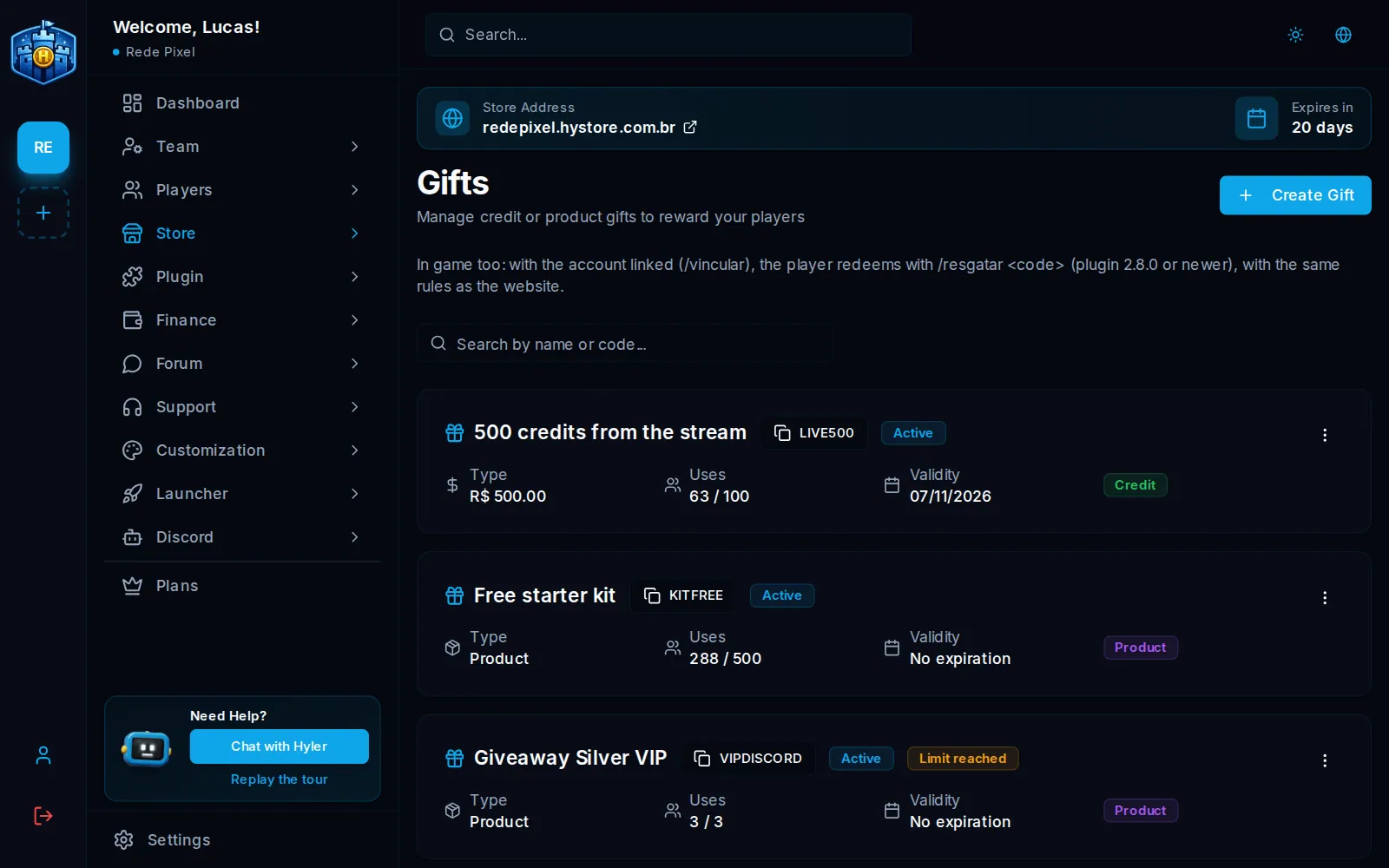
Create a gift
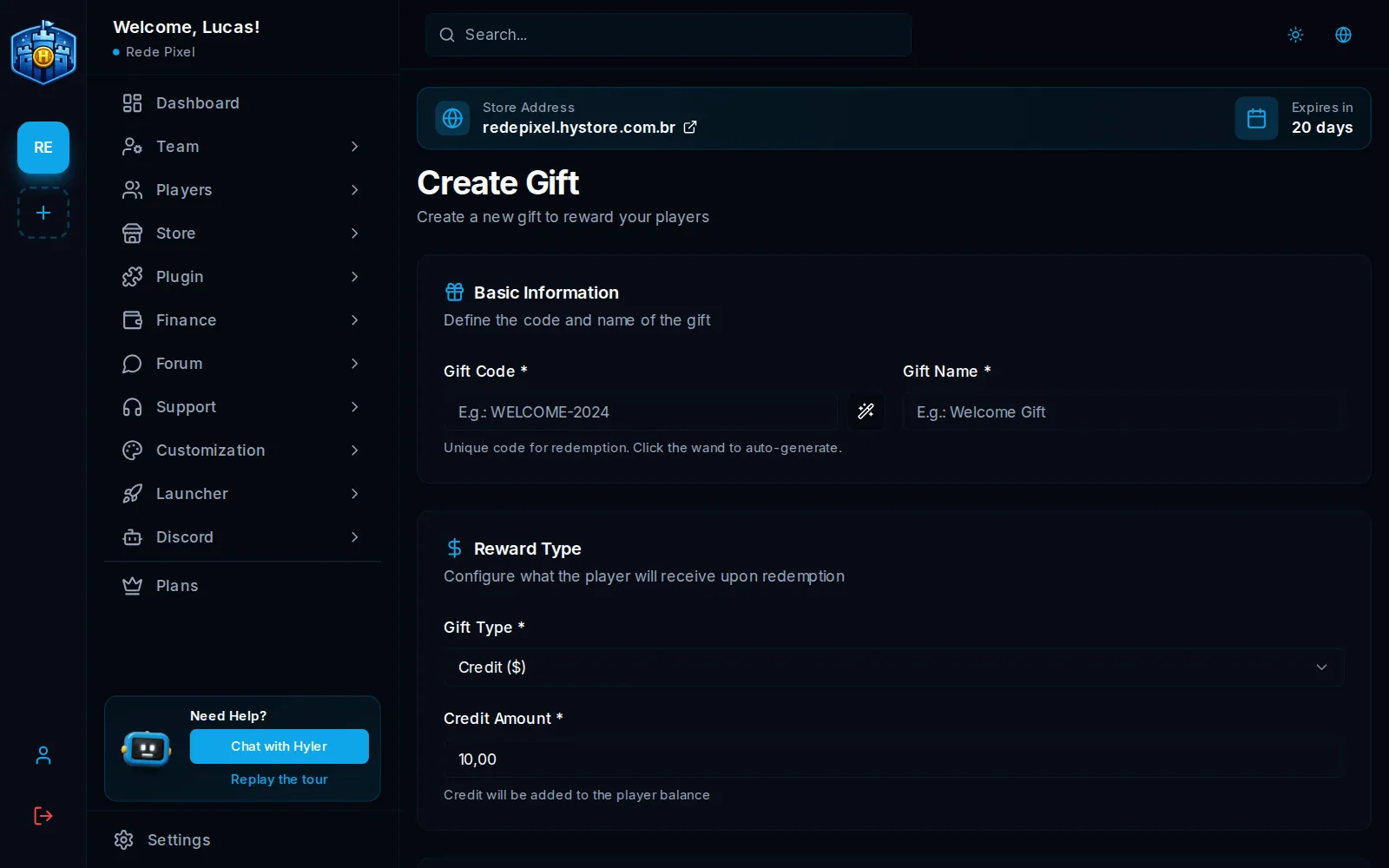
- In Store > Gifts, click Create Gift.
- Enter the Gift Code (the wand next to it generates a code) and the Gift Name.
- In Reward Type, pick the Gift Type:
- Credit ($): the amount goes to the player's balance in the store;
- Product: the product is delivered on redeem, like a purchase.
- Set, if you like, the total redeem limit and the validity.
- Save.
Each player redeems each gift only once. A product gift delivers what the product delivers: if the product uses the VIP system, the gift gives the VIP (the product's days, or forever on a permanent product).
Redeem on the site and in the game
- On the site: the player opens the store's Gifts page (the address ends
in
/presentes) and types the code. - In the game (Minecraft and Hytale, plugin 2.8.0 or newer): with the account
linked through
/vincular, the player uses/resgatar <code>(or/usarkey). The same rules as the site apply: active, within the date, within the use limit and once per player.
/resgatar LIVE500
Typing a wrong code many times blocks new tries for a few minutes. See Linking and commands.
