
Store partners
Store partners are players with their own coupon, like content creators who promote the server. Each sale paid with their coupon becomes a commission, and you follow everything in Store > Partners: sales generated, commission owed and payouts made.
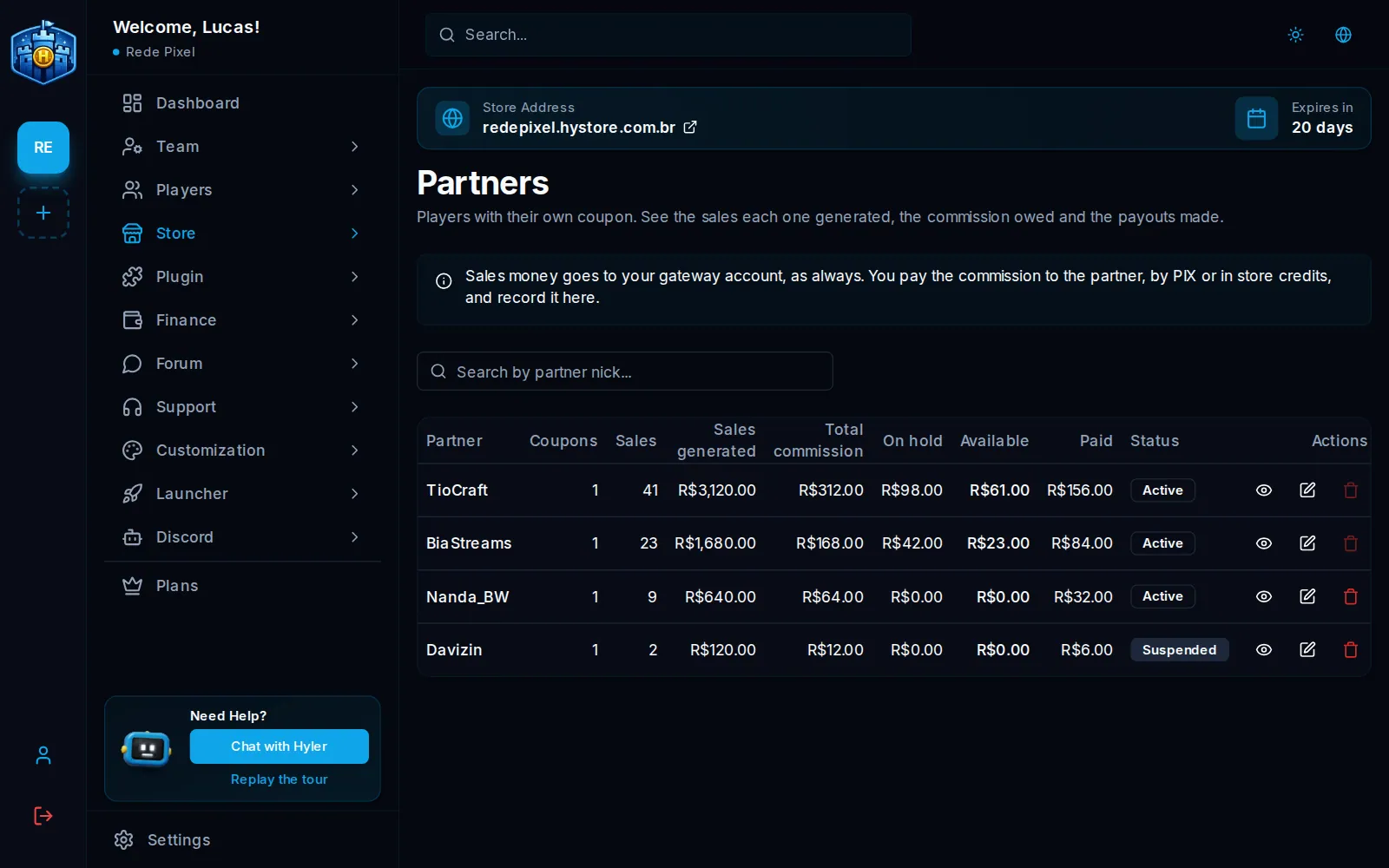
Create a partner
A partner is born from a coupon:
- In Store > Coupons, create or open the partner's coupon, for example
TIOCRAFT. - In Partner coupon, link the coupon to the player and set the commission (as a percentage or a fixed amount).
- Save. The player shows up in Store > Partners.
How the commission moves
- A player buys with the partner's coupon.
- The commission stays On hold for the days you set. The hold covers the payment provider's refund window.
- After the hold, it becomes Available to pay.
- You pay the partner (Pix or store credits) and click Record payout on the partner.
The partner's screen has the sales and the commission per day, their coupons and the payout history. Use Reverse on a sale that should not earn a commission; a refund through the payment provider also removes the commission. If the commission goes negative, the reversal is taken from the next payout.
Suspend and delete
- Suspend makes the partner's coupons stop working.
- Delete removes the partner from the list and from the partner area in the store. Before that, pay or reverse what is on hold or available.
What the partner sees
The partner follows sales and commission in an area of their own, on their account in your store.
This is your store's program with players. Hystore's own partner program is a different one; see Hystore partners.
